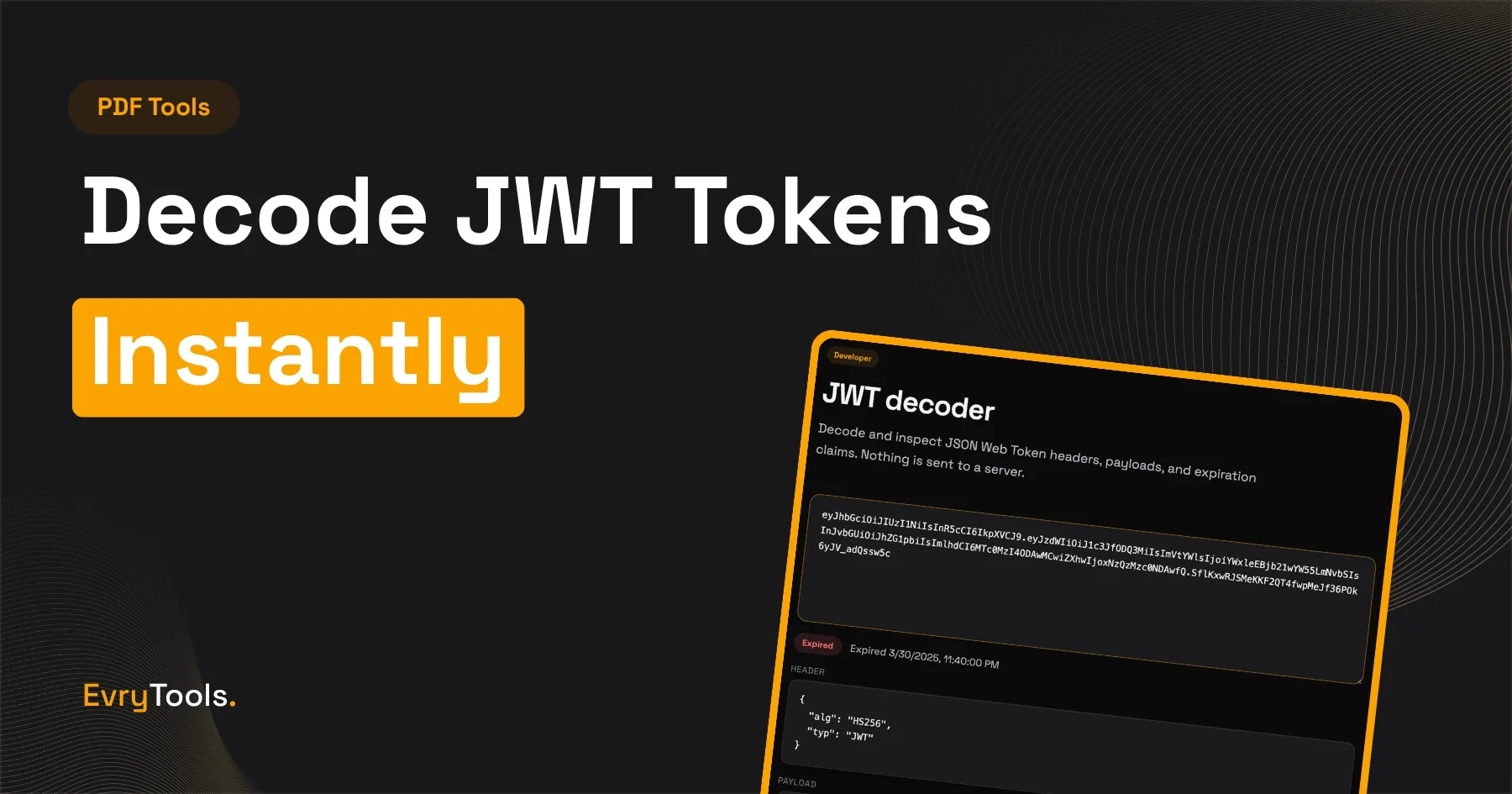
You can decode any JWT token instantly using the EvryTools JWT Decoder — the header, payload, and signature are all displayed clearly, with no server involved and no token leaving your browser. If you’re currently using jwt.io for this, there’s a meaningful security reason to switch.
The Problem With Pasting Tokens Into jwt.io
Advertisement
jwt.io is the tool most developers reach for when they need to inspect a JWT. It’s well-designed, shows the decoded header and payload clearly, and explains the structure well.
The problem is that jwt.io is server-side. When you paste a token into jwt.io, that token is sent to Auth0’s servers. For most debugging tokens in a development environment, this is an acceptable trade-off. For tokens from staging or production systems, it’s a significant security concern.
A JWT payload routinely contains user IDs, email addresses, roles, permissions, session identifiers, and other data your application treats as sensitive. The signature component is designed to be verified against a secret or public key — but the payload itself is only base64-encoded, not encrypted. Anyone who receives the token can read its contents.
Pasting a live production JWT into a third-party server means that server now has the contents of that token. Auth0’s privacy policy covers how they handle this, but the principle is simple: tokens containing user data shouldn’t leave your infrastructure unnecessarily.
The EvryTools JWT Decoder runs entirely in your browser. The token is decoded locally using JavaScript. Nothing is sent anywhere.
What Is a JWT?
If you’re less familiar with JWTs, a brief explanation before getting into the decoder.
JWT stands for JSON Web Token. It’s a compact, URL-safe way to represent a set of claims — pieces of information — between two parties. JWTs are widely used for authentication and authorisation in web applications. When you log into an application that uses JWT-based auth, the server issues you a token. Your browser or app stores it and sends it with each subsequent request to prove your identity.
A JWT has three parts, separated by dots:
header.payload.signatureEach part is base64url-encoded. The header and payload are readable by anyone — they’re not encrypted, just encoded. The signature is used by the server to verify the token hasn’t been tampered with.
The header contains the token type and the algorithm used to sign it — typically RS256 or HS256.
The payload contains the claims — the actual information the token carries. This usually includes:
sub— subject (typically a user ID)iat— issued at (Unix timestamp of when the token was created)exp— expiry (Unix timestamp after which the token is no longer valid)aud— audience (the intended recipient of the token)- Custom claims added by the application — roles, permissions, email address, etc.
The signature is a cryptographic hash of the header and payload, signed with either a secret (for HS256) or a private key (for RS256). It allows the receiving server to verify the token is legitimate and hasn’t been modified.
How to Decode a JWT With EvryTools
- Go to evrytools.com/tools/jwt-decoder
- Paste your JWT token into the input field
- The header, payload, and signature are displayed immediately in formatted JSON
The decoded output updates in real time as you type or paste. No button to click, no page reload.
The payload section shows each claim as a key-value pair. Timestamps (iat, exp) are typically shown alongside their human-readable equivalents so you can see at a glance whether a token has expired.
Reading a Decoded JWT — What to Look For
When debugging an authentication issue, these are the fields most worth checking first:
exp (expiry) — the most common cause of authentication failures is an expired token. Check this first. The value is a Unix timestamp — the decoder converts this to a readable date and time automatically.
iat (issued at) — confirms when the token was created. If exp minus iat doesn’t match your expected token lifetime, something is misconfigured.
sub (subject) — the user or entity the token was issued for. Useful for confirming the correct user is authenticated in debugging sessions.
aud (audience) — if your application validates the audience claim, check this matches what your application expects. Mismatched audience claims are a common source of validation failures.
Custom claims — your application’s specific data. Common ones include role, permissions, email, tenant_id. If authorisation is failing, check these against what your application expects to receive.
Algorithm (alg in the header) — confirm the signing algorithm matches what your application is configured to accept. Accepting alg: none is a well-known JWT security vulnerability — your application should always validate this.
When You Need More Than a Decoder
Advertisement
Decoding a JWT shows you its contents. It doesn’t verify the signature — that requires the secret or public key used to sign it, which you shouldn’t paste into any external tool.
Signature verification should happen in your application code or in a trusted local environment. The standard libraries for every language (jsonwebtoken for Node.js, PyJWT for Python, java-jwt for Java, etc.) handle verification correctly with your key material.
What the decoder is for: reading the contents of a token during development and debugging — confirming claims are correct, checking expiry times, understanding what your auth service is issuing. It’s a read tool, not a verification tool.
Other Developer Tools on EvryTools
If you’re working with JWTs, you’re likely also dealing with:
- Base64 encoding/decoding — JWT parts are base64url-encoded. The EvryTools Base64 Encoder/Decoder handles standard and URL-safe variants.
- JSON formatting — decoded payloads are JSON. The EvryTools JSON Formatter validates and formats JSON with syntax highlighting and no paste limits.
- URL encoding/decoding — JWTs used in query parameters need URL encoding. The EvryTools URL Encoder/Decoder handles this.
- Hash generator — useful for working with HMAC-based signing. The EvryTools Hash Generator supports MD5, SHA-1, SHA-256, and SHA-512.
All client-side. None require an account.
Final Thoughts
Decoding a JWT takes two seconds. The only question is whether you do it in a tool that sends your token to someone else’s server or one that keeps it entirely in your browser.
EvryTools JWT Decoder is the latter — free, instant, and private. For debugging tokens in any environment, it’s the right default.
Frequently Asked Questions
Is it safe to paste a JWT into EvryTools?
Yes. The EvryTools JWT Decoder runs entirely in your browser — your token is never sent to any server. This makes it safe to use with tokens from any environment, including production.
Can EvryTools verify a JWT signature?
No. Signature verification requires your secret or private key, which should never be entered into any external tool. The decoder reads and displays the token’s contents — verification happens in your application code using a JWT library appropriate for your language and framework.
What’s the difference between decoding and verifying a JWT?
Decoding reads the token’s contents — the header and payload — which are base64url-encoded but not encrypted. Anyone with the token can decode it. Verifying checks the signature to confirm the token was issued by a trusted party and hasn’t been tampered with. Decoding is for debugging and inspection. Verifying is for security.
Why shouldn’t I use jwt.io?
jwt.io sends your token to Auth0’s servers. For development tokens with no real user data, this is a minor concern. For tokens from staging or production environments containing user IDs, email addresses, roles, or permissions, you’re sending live user data to a third-party server unnecessarily. The EvryTools decoder processes everything locally, which eliminates this risk entirely.
My token shows exp in the past — what does that mean?
It means the token has expired. The exp claim is a Unix timestamp representing the date and time after which the token is no longer valid. If the current time is past the exp value, the token will be rejected by any server that validates expiry. You’ll need to obtain a new token through your application’s authentication flow.