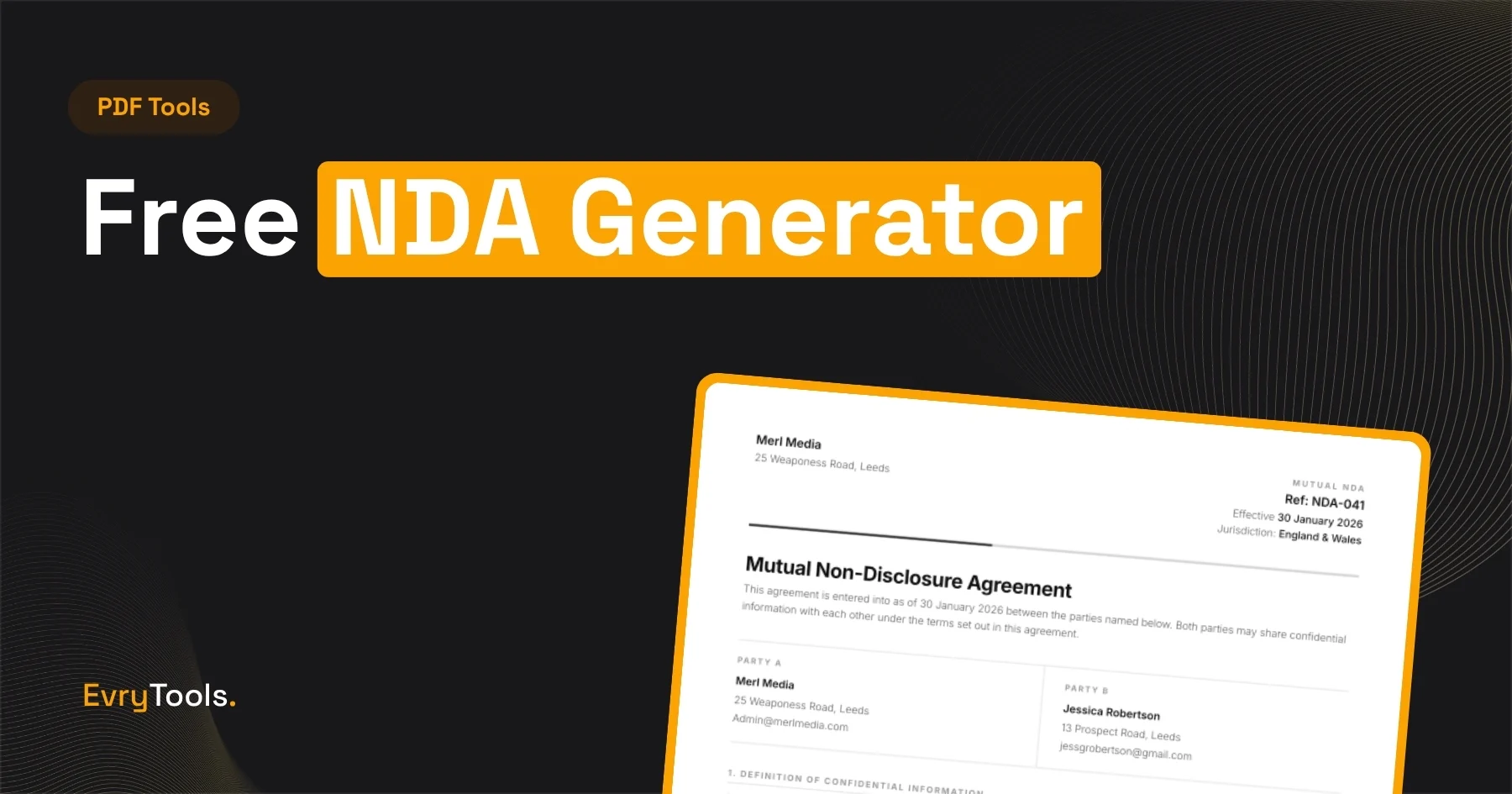
You can generate a legally coherent NDA in under five minutes using the EvryTools NDA Generator — no account, no lawyer required, and no file sent to any server. This post explains when you actually need an NDA, what each clause does, the difference between mutual and one-way agreements, and how to walk through the generator step by step.
When Do You Actually Need an NDA?
Advertisement
An NDA (non-disclosure agreement) is a contract where one or both parties agree not to share specific information with anyone outside the agreement. It’s one of the most commonly used documents in business — and one of the most frequently misunderstood.
You need an NDA before:
- Sharing a business idea with a potential co-founder, investor, or partner — without one, nothing stops them from acting on your idea independently
- Discussing a client’s confidential business information — clients often ask freelancers to sign NDAs before sharing internal data, processes, or strategies
- Working on a project that involves proprietary technology — particularly common in software, product development, and manufacturing
- Hiring contractors or subcontractors who will see sensitive company information
- Entering merger, acquisition, or partnership discussions — both sides typically sign NDAs before due diligence begins
You probably don’t need an NDA for:
- General client work with no confidential information involved
- Work done entirely in public view
- Situations where the information is already publicly known
- Informal conversations where no sensitive material changes hands
NDAs are contracts, and contracts require both parties to agree. Someone signing under duress or without understanding what they’re agreeing to creates problems later. Use an NDA when the situation genuinely warrants one — not as a default for every client interaction.
Mutual vs One-Way NDAs: What’s the Difference?
This is the most important decision you’ll make when creating an NDA.
One-Way (Unilateral) NDA
In a one-way NDA, only one party agrees to keep information confidential. The disclosing party (the one sharing information) is protected. The receiving party (the one receiving information) is bound by the agreement.
Use a one-way NDA when:
- You’re sharing a business idea with a contractor or freelancer
- A client is sharing confidential information with you before a project begins
- You’re disclosing proprietary processes to a supplier or manufacturer
- The information flow is clearly in one direction
Example: A startup shares its product roadmap with a development agency before the agency submits a proposal. The startup is the disclosing party. The agency signs the NDA and agrees not to share or use that information for any purpose other than preparing the proposal.
Mutual (Bilateral) NDA
In a mutual NDA, both parties agree to keep each other’s information confidential. Both are simultaneously disclosing and receiving parties.
Use a mutual NDA when:
- Two businesses are exploring a partnership and will share confidential information with each other
- You’re entering into a joint venture or merger discussion
- Both sides will share proprietary information during a project
- The information flow goes in both directions
Example: Two software companies discuss a potential integration between their products. Both will share technical architecture, API documentation, and user data insights. A mutual NDA protects both parties equally.
The EvryTools NDA Generator creates both types. Choose based on which direction the information actually flows — not which sounds more impressive.
What Every NDA Clause Means
Most NDA templates use standard clauses with specific purposes. Here’s what each one does in plain language.
Definition of Confidential Information
This clause defines what information is actually covered by the agreement. It’s arguably the most important clause — if information isn’t defined as confidential, the rest of the agreement may not cover it.
Well-drafted NDAs typically include both specific categories (financial records, technical documentation, customer lists, business strategies) and a general catch-all. They also specify what counts as confidential — usually anything marked “confidential,” disclosed verbally and confirmed in writing within a set time period, or information that a reasonable person would understand to be confidential given its nature.
What to watch for: Overly broad definitions can make an NDA harder to enforce. An NDA that claims everything discussed between two parties is confidential may be challenged if that includes genuinely public information.
Exclusions from Confidential Information
This clause specifies what is NOT covered by the NDA, even if it meets the general definition above. Standard exclusions include:
- Information already in the public domain before the agreement
- Information that becomes public after the agreement through no fault of the receiving party
- Information the receiving party already knew before signing
- Information independently developed by the receiving party without using the confidential information
- Information the receiving party received from a third party who wasn’t bound by confidentiality
These exclusions protect the receiving party from unreasonable obligations and make the agreement more legally defensible.
Obligations of the Receiving Party
This is the core of the NDA — what the receiving party actually agrees to do (and not do). Standard obligations include:
- Not disclosing confidential information to third parties
- Using confidential information only for the specific purpose stated in the agreement (the “permitted purpose”)
- Taking reasonable steps to protect the information — typically the same measures they use to protect their own confidential information
- Limiting access to confidential information to people within the organisation who need it (the “need to know” principle)
Permitted Disclosures
This clause specifies when the receiving party is allowed to disclose confidential information despite the general prohibition. The main permitted disclosure is legal compulsion — if a court orders disclosure or a regulatory body requires it, the receiving party must be able to comply.
The standard requirement is that the receiving party gives the disclosing party prompt notice before making a required disclosure, so the disclosing party has an opportunity to seek a protective order or other remedy.
Term and Duration
This clause specifies how long the NDA lasts. There are two relevant time periods:
- The term of the agreement — how long the receiving party is obligated to maintain confidentiality (commonly 1-5 years)
- The survival period — some NDAs specify that confidentiality obligations survive termination of the agreement for certain information (trade secrets, for example, may be protected indefinitely)
Perpetual NDAs (those with no defined end date) can be difficult to enforce in some jurisdictions. A defined term of 2-3 years is common for business partnerships. Longer terms (5 years or more) are more typical for sensitive technical information or trade secrets.
Governing Law and Jurisdiction
This clause specifies which country or state’s laws govern the agreement and where any disputes will be resolved. It matters because contract law varies significantly between jurisdictions.
If both parties are in the same country, governing law is straightforward. For cross-border agreements, the choice of governing law can significantly affect enforceability. The EvryTools NDA generator lets you specify the governing jurisdiction.
Remedies
Most NDAs include a clause noting that breach of the agreement would cause irreparable harm — meaning that financial damages alone might not be sufficient compensation — and that the disclosing party would be entitled to seek injunctive relief (a court order preventing further disclosure) in addition to monetary damages.
This clause isn’t about the size of damages. It’s about establishing the disclosing party’s right to go to court quickly, before further harm occurs.
How to Create an NDA Using EvryTools — Step by Step
- Go to evrytools.com/tools/nda-generator
- Select the agreement type: Mutual or One-Way (Unilateral)
- Enter the disclosing party’s details: name, company, and address
- Enter the receiving party’s details
- Describe the confidential information — be specific enough to be enforceable (e.g. “business strategy, financial projections, and technical documentation related to Project X” rather than “all information”)
- Specify the permitted purpose — why the receiving party is being given access to this information
- Set the agreement term — typically 1-3 years for standard business NDAs
- Choose the governing law jurisdiction
- Select your preferred design style: Studio, Serif, or Clean
- Click Generate NDA
- Review the generated document
- Click Download PDF
The PDF is ready to send, print, and sign. 100% private — nothing leaves your browser at any point.
What EvryTools NDA Generator Doesn’t Cover
Advertisement
The EvryTools NDA generator produces a standard, well-structured NDA appropriate for most common business situations. It’s not appropriate for every situation.
Get actual legal advice if:
- The agreement involves significant financial value or a high-value business transaction
- You’re operating in a highly regulated industry (financial services, healthcare, defence)
- The jurisdiction is unfamiliar — especially for cross-border agreements with non-English-speaking countries
- The definition of confidential information is unusually complex
- You need clauses the generator doesn’t include — non-compete provisions, intellectual property assignment, or specific remedies
A standard NDA from EvryTools works well for: freelancers receiving client briefs, small businesses sharing information with contractors, early-stage partnerships, and general commercial discussions. For anything more complex, a lawyer is a worthwhile investment.
Sending and Signing Your NDA
Once you’ve downloaded the PDF, you need both parties to sign it. Options:
- Print, sign, scan — straightforward, fully valid in most jurisdictions
- E-signature platforms — DocuSign, HelloSign, or Adobe Sign let you send a PDF for electronic signature. These are legally valid in most countries under electronic signature legislation.
- PDF annotation — both parties can sign a PDF digitally in Adobe Reader or Preview, though this is less formally robust than a dedicated e-signature platform
Keep a signed copy on file. Send a copy to the other party after signing. Store the document somewhere you can find it if a dispute arises years later.
Final Thoughts
Most NDA guides online are written by law firms trying to generate leads, which means they’re either too technical to be useful or too vague to be actionable. The point of an NDA is to protect confidential information when you need to share it — and for most freelancers and small businesses, a well-structured standard agreement does that effectively.
EvryTools NDA Generator creates a professional NDA in three design styles — Studio, Serif, or Clean — for free, with no account required, and with your information never leaving your browser. It takes less than five minutes from start to downloaded PDF.
Frequently Asked Questions
Is a free NDA legally valid?
Yes. The validity of an NDA depends on whether it meets contract law requirements — offer, acceptance, consideration, and the intent to be legally bound — not on whether you paid a lawyer to draft it. A well-structured NDA generated by EvryTools meets these requirements. That said, for high-value or complex situations, legal review is worth the cost.
What’s the difference between a mutual and a one-way NDA?
A one-way (unilateral) NDA binds only the receiving party to confidentiality. A mutual NDA binds both parties. Use a mutual NDA when both sides will share confidential information with each other. Use a one-way NDA when information flows in only one direction.
How long should an NDA last?
One to three years is the most common term for standard business NDAs. Longer terms (up to five years) are appropriate for highly sensitive technical information. Indefinite NDAs can be difficult to enforce in some jurisdictions. For trade secrets specifically, perpetual confidentiality is sometimes included as a carve-out even in agreements with a defined term.
Can an NDA be signed electronically?
Yes. Electronic signatures are legally valid in most countries, including the US (under the E-SIGN Act), the UK, and the EU (under eIDAS). DocuSign, HelloSign, and Adobe Sign all produce legally valid electronic signatures. Ensure both parties use a platform that creates an audit trail — this is important if the agreement is ever disputed.
Does signing an NDA mean I can’t mention the company I worked with at all?
No. An NDA restricts disclosure of specific confidential information, not all information about the relationship. You can generally say you worked with a company, describe the general nature of the work, and list the engagement on your portfolio — unless the NDA specifically restricts this. Read the “permitted purpose” and “confidential information” definitions carefully if you’re unsure what’s covered.